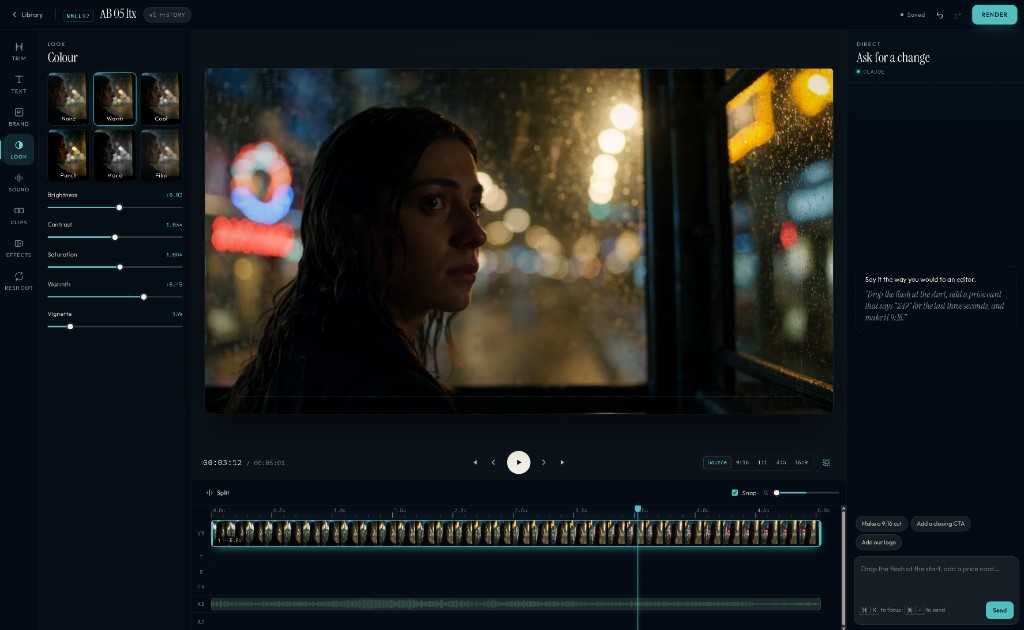
How a take is made
A prompt, a host, an MP4.
01
Describe the shot
Subject, light, camera move, and what happens. A still can lock the first frame. The runtime enriches a thin prompt with cinematic language when you leave that work out.
02
A ready host renders it
The job lands on a Mac that already has the pack and the local runtime. The two-stage path is the default: a first pass, then a refine. You wait on the job, not on a queue of other clouds.
03
Download the file
The host uploads the MP4. Your job shows the file, the model name, and that the clip is machine-generated. Keep the watermark. Credit LTX-2.5 where you publish.
curl -s https://metalcloud.space/api/v1/jobs \
  -H "Authorization: Bearer $METALCLOUD_API_KEY" \
  -H "Content-Type: application/json" \
  -d '{
    "type": "video",
    "model_id": "ltx-2.5-mlx-q8",
    "input": {
      "prompt": "A paper plane flies through a sunlit open-plan office, past plants and desks, smooth follow shot",
      "seconds": 8,
      "width": 1280,
      "height": 704,
      "fps": 24
    },
    "max_duration_minutes": 30
  }'